
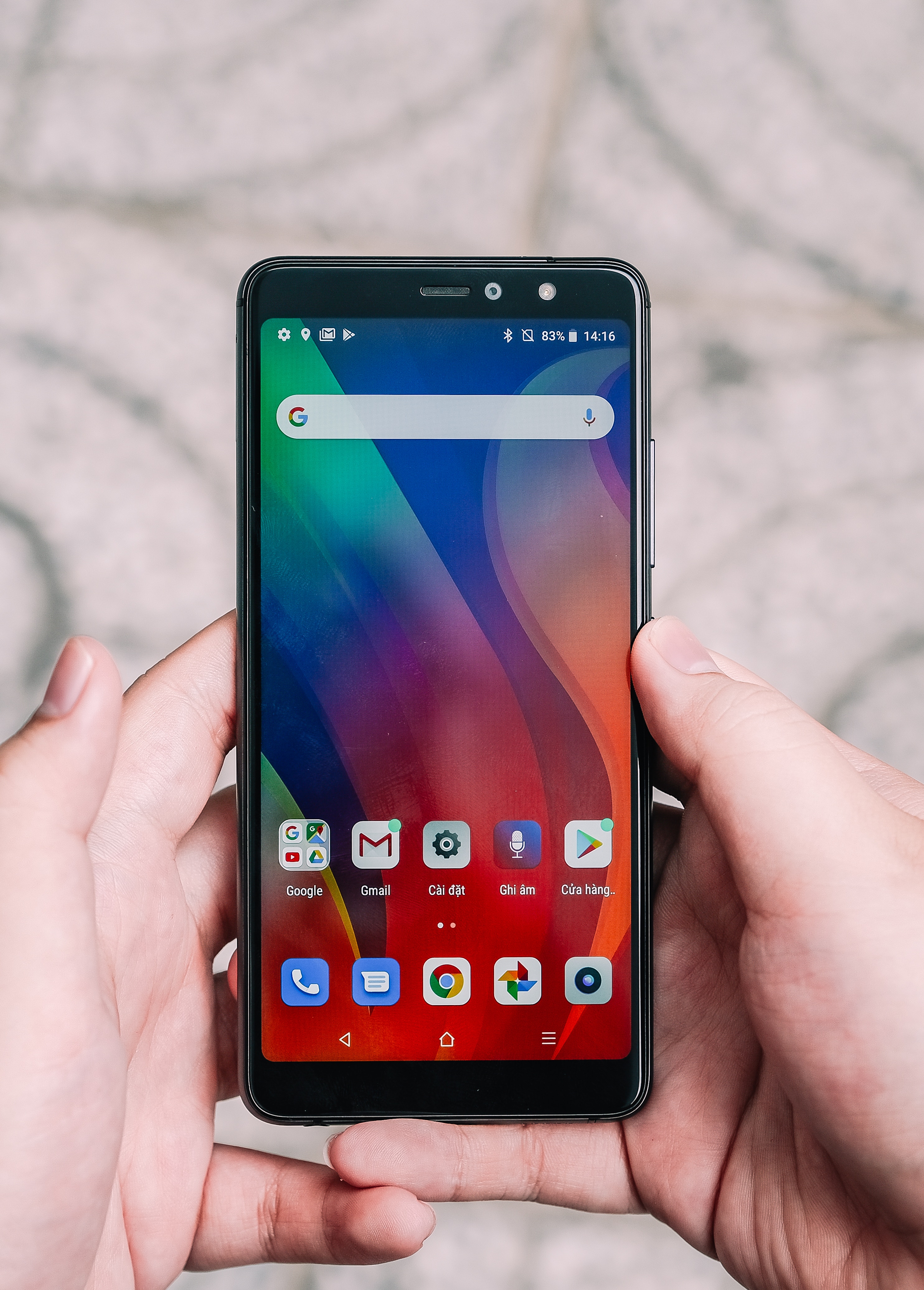
Photo: Unsplash
Latest Google Privacy Tools Enhancing User Security: How to Stop Google From Tracking Your Movements

Based on the apps you use on your smartphone, Google keeps track of everywhere you go.
The data collected is used to give you more personalised experiences like maps and recommendations based on places you've visited, real-time traffic updates about your commute as well as help finding your phone and more targeted ads.
The idea of Google holding on to that data may make you feel uncomfortable even though these things can be useful.
Previously, if you chose to enable Location History, the only way to delete that data was to go into your app settings and remove it manually.
Now you can automatically delete your location history after a fixed period of time.
You can automatically delete your Location History after three months to 18 months and it beats leaving a trail of information that you might not want Google or others to see.
Here's how to automatically delete your Location History on Android and iOS:
- Open the Google Maps app
- In the top left, tap the Menu icon and select "Your timeline".
- In the top right, tap the More icon and select "Settings and privacy".
- Scroll to "Location settings".
- Tap "Automatically delete Location History".
- Follow the on-screen instructions.
To turn off Location History altogether you can do so in the Location History section of your Google Account.
Set time limits on how long Google can keep your Web & App Activity which includes data about websites you visit and apps you use.
With this data, you get faster searchers, better recommendations and more personalised experiences in Maps, Search and other Google services.
Again, you have to option to automatically delete this data after three or 18 months.
- Open the Gmail app.
- In the top left, tap the Menu icon and select "Settings".
- Select your account and then tap "Manage your Google Account".
- At the top, tap Data & personalisation.
- Under "Activity controls" tap Web & App Activity"
- Tap "Manage activity".
- At the top right, tap the More icon and then select "Keep activity for".
- Tap the option for how long you want to keep your activity and then tap "Next".
- Confirm to save your choice.
Google is giving users more control over their data with these new tools.
Newsletter
Get updates straight to your inbox
The company has also introduced "incognito mode" in a number of its smartphone apps, which stops Google tracking your activity.
It is also putting pressure on web and app developers to be more transparent about their use of cookies, so that users can make more informed choices about whether to accept them.
In the past, Google exposed data of hundreds of thousands of users through Google+.
There were other instances where Google was misusing information of its users.
However, the company is working towards being more transparent. -/TISG